
hashtechwave-light
  • AI
  • Computing
  • Mobile
  • Gaming
    • NYT Games
    • Roblox Codes
    • GTA
  • How-To
  • Entertainment
    • Amazon Prime
    • Netflix
  • Gadget
  • News
Saturday, Jan 17, 2026
Notification
Font ResizerAa
HashTechWaveHashTechWave
  • Artificial Intelligence
  • Automobile
  • Computing
  • Entertainment
  • Gadget
  • How-To
  • Gaming
  • Mobile
  • News
Search
  • Artificial Intelligence
  • Automobile
  • Computing
  • Entertainment
  • Gadget
  • How-To
  • Gaming
    • Roblox Codes
    • NYT Games
  • Mobile
  • News
Have an existing account? Sign In
Follow US
© HashTechWave News Network. HashBitStudio Company. All Rights Reserved.
HashTechWave > Blog > How-To > How to Repair or Upgrade Gear and Weapons in STALKER 2: Heart of Chornobyl
How-To

How to Repair or Upgrade Gear and Weapons in STALKER 2: Heart of Chornobyl

Syed Safwan Abbas - CEO
Last updated: November 22, 2024 7:54 am
By
Syed Safwan Abbas
Syed Safwan Abbas - CEO
BySyed Safwan Abbas
Tech Editor
Syed Safwan Abbas is a senior full-stack developer and the founder of HashTechWave. With over a decade of hands-on coding experience and a deep interest in...
Follow:
5 Min Read
SHARE

In S.T.A.L.K.E.R. 2: Heart of Chornobyl, your survival totally depends on the condition of your weapons and gear. The Zone is an unforgiving environment where unreliable equipment can reduce your difference between life and death. Over time, weapons degrade, reducing accuracy and performance while gear loses its durability. Knowing how to repair and upgrade your equipment is vital to staying prepared for the challenges of the Exclusion Zone.

Contents
  • Why Repairing or Upgrading Is Crucial in Heart of Chornobyl
  • How to Repair Weapons and Gear
    • How to Use Repair Kits?
  • How to Upgrade Weapons and Gear in Heart of Chornobyl
    • Find out Upgrade Modules
  • Final Thoughts: Stay Armed, Stay Ready
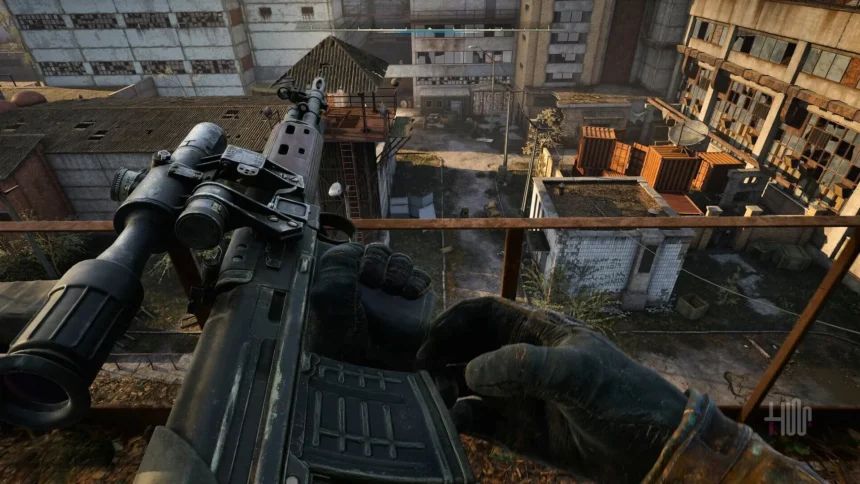
upgrade gears and weapons in S.T.A.L.K.E.R. 2 heart of CHoRNOBYL - hashtechwave
S.T.A.L.K.E.R. 2: Heart of Chornobyl Upgrade Shop

Why Repairing or Upgrading Is Crucial in Heart of Chornobyl

Exclusion Zone is filled with dangers: mutant attacks, anomalies, rival factions, and harsh weather conditions. A malfunctioning weapon or damaged gear can leave you vulnerable at the worst possible moment. By maintaining and upgrading your equipment, you can:

  • Improve Combat Efficiency: Increased weapon damage and accuracy make encounters more manageable.
  • Enhance Durability: Upgrades extend the lifespan of weapons and gear.
  • Survive Longer: Well-maintained gear can protect you against radiation, anomalies and physical threats.

How to Repair Weapons and Gear

There are two ways to repair your damaged weapons or gears and I will tell you about both methods. First is by using Repair Kits, as they are one of the most accessible ways to maintain your equipment on the go. But you can find them:

- Advertisement -
  • Purchase repair kits from traders in safe zones.
  • Loot them from stashes or defeated enemies.
  • Discover them in hidden locations while exploring the Zone.

How to Use Repair Kits?

To repair your broken or damaged gadget, you have to Firstly, open your inventory and select the damaged item. Choose the appropriate repair kit to restore a portion of its durability. Keep in mind that repair kits may not fully restore durability but are a quick fix in the field.
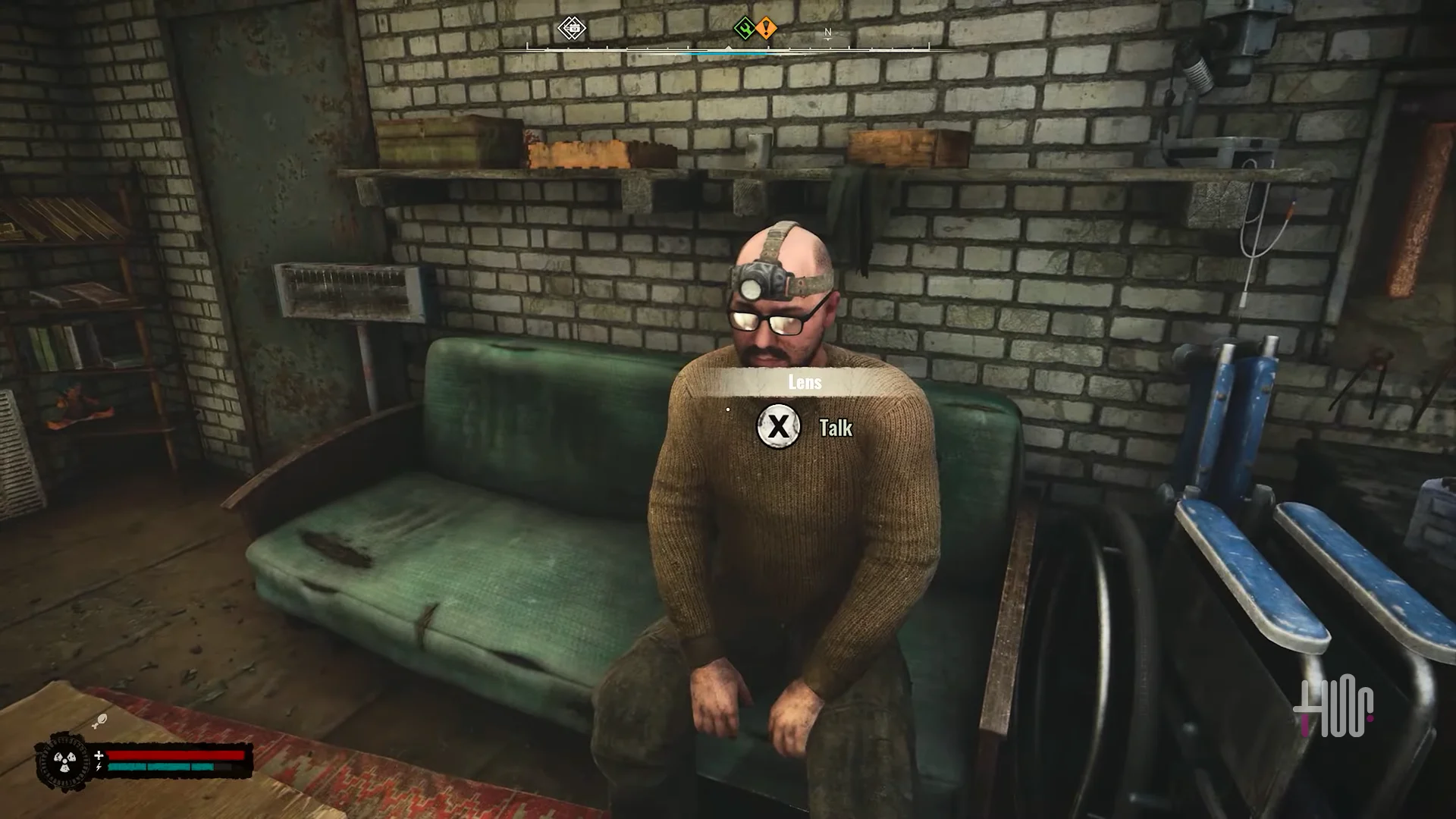
Talking with technician in Stalker 2 Heart of chornobyl
Image Credits: Talking with Technician ( Stalker 2 – Heart of Chornebyl )

Technicians offer more comprehensive repair services in STALKER 2: Heart of Chornobyl, making them an essential resource for keeping your gear in optimal condition. But where to find these Technicians? I got you back, they are located in various settlements and safe zones across the Zone. They are usually marked on the map. They can do:

  • Full weapon and gear repairs for a fee.
  • They can restore items to near-perfect condition.
  • They can even upgrade your equipment.

How to Upgrade Weapons and Gear in Heart of Chornobyl

Upgrading your weapons and gear can give you a significant advantage in combat. You can improve weapon damage, accuracy, reload speed, and durability or enhance your gear’s protection against environmental hazards. For this follow below steps:

- Advertisement -

Find out Upgrade Modules

Upgrade modules are required to customize your equipment and unlock its full potential which can be found from traders or technicians for sale. You can also Earn them as rewards for completing missions or quests. Lastly, you can discover them in hidden stashes scattered throughout the Zone.

upgrading weapons in Stalker 2 Heart of chornebyl
Upgrading Weapons in S.T.A.L.K.E.R. 2 Heart of Chornobyl

Upgrading your equipment is a straightforward process with the help of a technician.

- Advertisement -
  • Bring your weapon or gear to a technician in a safe zone.
  • Select the desired upgrade from the available options.
  • Pay the required fee and ensure you have the necessary module.

But before upgrading your gears and weapons you must know about what possible upgrades you can do like:

  1. Damage Boost: Increases the lethality of your weapons.
  2. Durability Enhancements: Extends the lifespan of gear, reducing the frequency of repairs.
  3. Accuracy Improvements: Enhances precision, especially useful for long-range engagements.
  4. Customization: Add attachments like scopes, silencers, or extended magazines

Final Thoughts: Stay Armed, Stay Ready

S.T.A.L.K.E.R. 2: Heart of Chornobyl challenge players with its realistic survival mechanics and hostile environment. Keeping your weapons and gear in top condition is essential for navigating the Zone’s many dangers. Whether you’re battling mutants, avoiding anomalies or fighting rival factions then a well-maintained and upgraded arsenal will give you the edge you need.

- Advertisement -

Using repair kits, seeking out technicians and applying strategic upgrades will ensure that your equipment remains reliable throughout your journey. Because exclusion zone is unforgiving but using right tools and strategies can help you survive where others fail.

Editor’s Recommendation:

  1. Daily NYT Connections Hints & Answers
  2. Fortnite Mobile is Back: How to Download and Play on Android and iOS Today
  3. STALKER 2: Heart of Chornobyl New Updates

TAGGED:GuidesHow-ToPC Games

Sign Up For Daily Newsletter

Be keep up! Get the latest breaking news delivered straight to your inbox.
Join Newsletter Join on Whatsapp
Syed Safwan Abbas - CEO
BySyed Safwan Abbas
Tech Editor
Follow:
Syed Safwan Abbas is a senior full-stack developer and the founder of HashTechWave. With over a decade of hands-on coding experience and a deep interest in emerging technologies, he leads the platform's coverage of digital trends, smart tools, and developer news. Outside his work, he’s an active tech community contributor and a casual PUBG competitor.
Previous Article S.T.A.L.K.E.R. 2 Heart of Chornobyl - hashtechwave poster STALKER 2: Heart of Chornobyl is out for PC & Xbox Series X|S – New Updates
Next Article call of duty black ops 6 season 1 - hashtechwave Call of Duty 6: Squid Game Collab & Season 1 Reloaded with Exciting Updates

Follow US

Find US on Social Medias
FacebookLike
XFollow
YoutubeSubscribe
ThreadsFollow
BlueskyFollow
Popular News
Today NYT Connections Hints & Answers
NYT Connections Hints & Answers (#951) for Jan 17, 2026 Solution
Sarah Thompson
By Sarah Thompson
January 17, 2026
Today’s NYT Wordle Hints & Answer of Jan 17 (Solution #1673)
NYT Strands Hints, Answers and Spangram Today of Jan 17, 2026
NYT Spelling Bee Answers & Pangram For January 16, 2026
Universal Piece Codes (January 2026) – Get Free Gems, Yen & Boosts

You Might Also Like

OpenAI introduces ChatGPT Health
Artificial IntelligenceHow-To

How to Get ChatGPT Health: Waitlist, Privacy Features & Medical Record

By Syed Safwan Abbas
13 Min Read
Cloud Gaming 2025 Guide - hashtechwave
GamingHow-To

Cloud Gaming 2026 Guide: Play AAA PC Games on Android & Low-End Laptops (Free & Paid)

By Raza Zaidi
9 Min Read
pubg mobile earphone bluetooth glitch fix
GamingHow-To

Fix: PUBG Mobile Audio Switches to Phone Speaker When Mic is On (Android Bluetooth Glitch)

By Syed Safwan Abbas
5 Min Read
hashtechwave-light

Your trusted source for gaming insights, technology updates, digital trends, and industry news. We deliver helpful guides, reviews, and updates to keep you informed in today’s fast-moving digital world.

Categories

  • Artificial Intelligence
  • Computing
  • Gaming
  • Entertainment
  • Gadget
  • How-To

Quick Links

  • Cookies Policy
  • Disclaimer
  • Privacy Policy
  • Terms and Condition

© 2025 HashTechWave. All rights reserved.

Join Us!
Subscribe to our newsletter and never miss our latest news, podcasts etc..
[fluentform id="6"]
Zero spam, Unsubscribe at any time.
adbanner
hashtechwave mobile
Welcome Back!

Sign in to your account

Username or Email Address
Password

Lost your password?