
Data storage and Processing speed are very essential aspects in modern PC’s, Smartphones, Tablet and even in Gaming Consoles. SSDs (Solid State Drives) and RAM (Random Access Memory) play a vital role in these domains due to their distinct purposes. Although they have different jobs but still they work together to improve overall performance of computing devices.
If you’re new and don’t understand what is RAM vs SSD and how to improve your Apple MacBook Air M2 performance then in this article, we will explore the differences between Random Access Memory and Solid State Drives upgrades along with their types, effects on software development tasks and ultimately determine which upgrade is more beneficial for MacBook Air optimization.
What are SSDs: The Speedy Storage Stalwarts
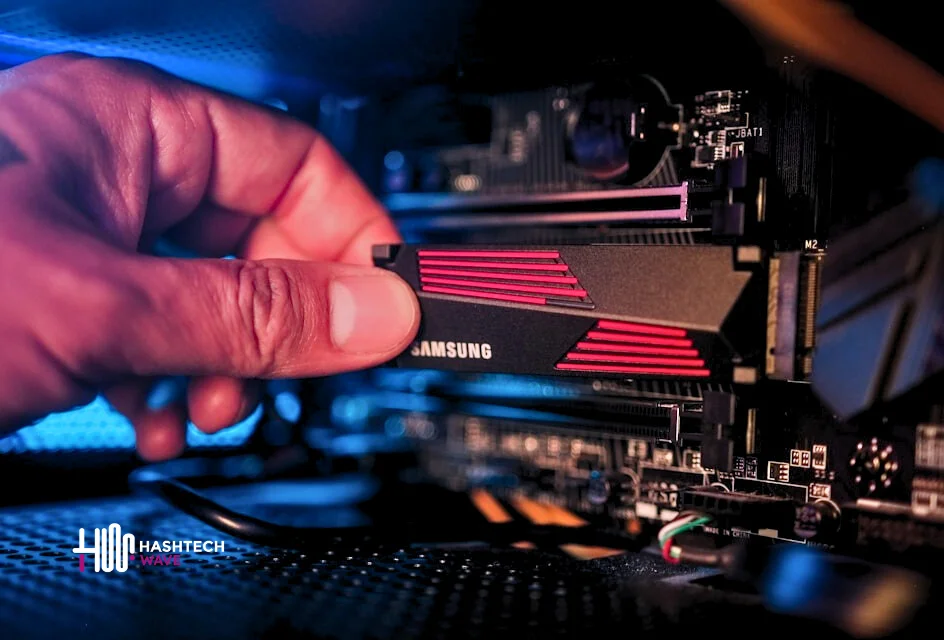
SSDs (Solid State Drives) utilize flash memory that provides much faster access times and enables a quicker data retrieval in modern world which is way much faster than traditional hard drives (HDDs) that read and write data using rotating disks. With Solid State Drives, your computer can now boot up faster, applications can load almost instantly and files transfer will be done in no time.
You May Also Like: Which is Best M4 iPad Pro or M2 iPad Air (2024)
Speed Difference Between HDDs and SSDs
Speed difference between Hard Disks and Solid State Drives is significant. Typically Hard Drives offer read/write speeds between 50-120 MB/s whereas Solid State Drives can reach speeds of 500 MB/s to over 14,000 MB/s depending on the type. This strong difference means that tasks like booting up, launching applications and transferring files are going to be much faster with Solid State Drives.
The hard disk drive is the bottleneck of modern computers.
Andy Bechtolsheim
Advanced Technologies in Solid State Drives
SSDs have evolved with various technologies to enhance performance and reliability. Some of these include:
| Type of SSD | Description | Read/Write Speed |
|---|---|---|
| SATA | The most common type which uses the SATA interface, compatible with most PCs. | Up to 550 MB/s |
| NVMe | Utilizes the PCIe interface, significantly faster than SATA, ideal for high-end tasks. | 1,500 MB/s to 7,000 MB/s |
| M.2 SATA | A smaller form factor of SATA Solid State Drives, fits into the M.2 slot on motherboards. | Up to 550 MB/s |
| M.2 NVMe | A compact, high-speed Solid State Drives that connects via the M.2 slot, using NVMe technology. | 1,500 MB/s to 7,000 MB/s |
| PCIe | Connects directly to the PCIe slot on the motherboard, offering maximum speed. | Up to 7,000 MB/s or higher |
What is RAM and Its Speed
RAM or Random Access Memory is a special kind of computer storage that holds the data that is required by the CPU instantly. On the other hand, RAMs are temporary storage devices that lose their data when the power is off. Nevertheless, RAM is the one that has the most impact on multitasking, which is why all the other applications run without lagging.
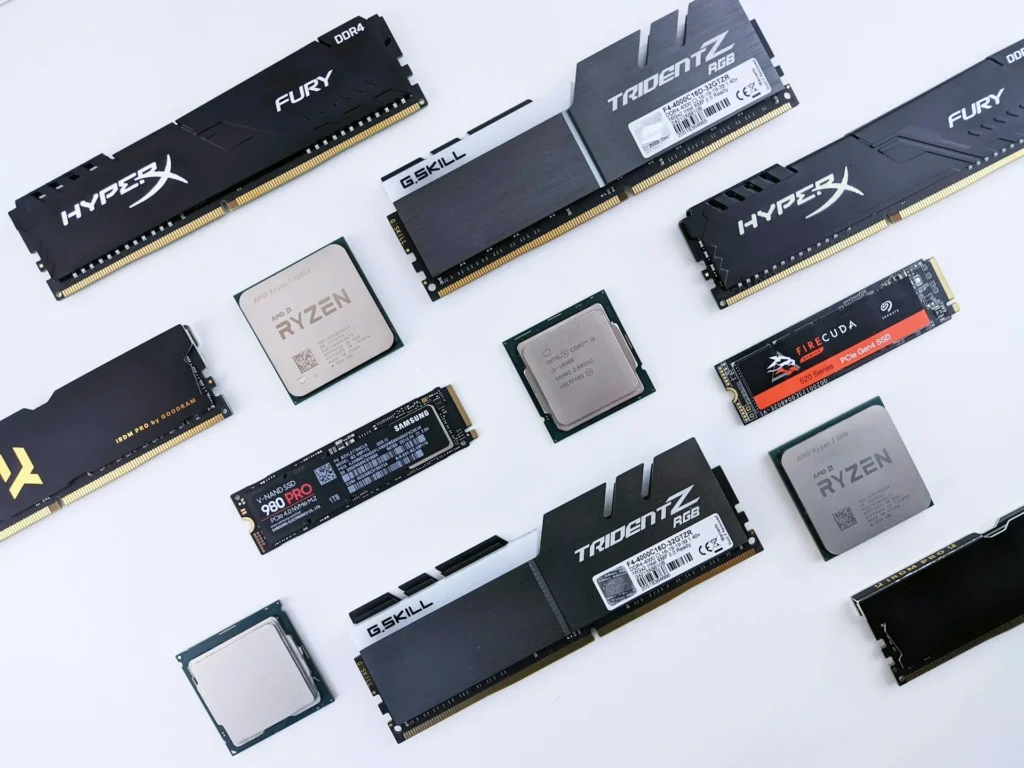
Like SSDs, RAM products come in different types, every of course has its own features and performance standards. These variations are classified into four different categories that are described by speed (in MHz), generation (DDR3, DDR4, DDR2) and form factor (DIMM for desktops, SO-DIMM for laptops) each having its own peculiar criterion.

Every generation of RAM comes with the latest technology advancement for example in speed, efficiency, and bandwidth. These provide different solutions from baseline computing jobs to FPS games to professional assignments. So the correct choice RAM variant will give you system highest performance results.
Specifications of MacBook Air M2 (2023)
Here’s a detailed specification table with variants for the 15-inch MacBook Air M2 (2023)
| Specification | Details |
|---|---|
| Processor | Apple M2 chip (8-core CPU, 10-core GPU, 16-core Neural Engine) |
| Memory (RAM) | 8GB (Base Model), 16GB (Upgraded-1), or 24GB unified memory (Upgraded-2) |
| Storage | 256GB (Base Model), 512GB (Upgraded-1), 1TB, or 2TB SSD (Upgraded-2) |
| Display | 15.3-inch Liquid Retina Display, 2880×1864 resolution, 500 nits brightness |
| Battery Life | Up to 18 hours, 66.5-watt-hour lithium-polymer battery |
| Charging | 35W Dual USB-C Power Adapter or 70W USB-C Power Adapter |
| Dimensions | 13.4 x 9.35 x 0.45 inches (34.04 x 23.76 x 1.15 cm) |
| Ports | 2x Thunderbolt/USB 4, MagSafe 3, 3.5mm headphone jack |
| Wireless | Wi-Fi 6, Bluetooth 5.3 |
| Audio | 6-speaker sound system with force-cancelling woofers, Spatial Audio support |
MacBook Air Performance Testing: RAM vs SSD in Action
HashTechWave experts conducted a practical experiment using the base model of Apple M2 MacBook Air with 8 GB of RAM and a 256 GB SSD and the upgraded models with 16 GB of RAM and a 512 GB SSD. The objective was to analyze these performance and usability factors in the typical software development tasks done by the developers.
Initial Load and RAM Usage
After restarting the MacBook Air machines, the RAM consumption on all the models remained uniform and was about 4.5 GB. Nevertheless, the storage space of the SSD was very different. The base model’s 256 GB SSD was too small for the resource-heavy applications, e.g. the virtual machines, and thus, it was quickly filled up. On the other hand, the 512 GB SSD model had enough storage, with around 300 GB left.
Impact of Web Browsers on RAM
It is well known that Google Chrome uses memory and this evokes memories in the mind of people as a result of performance. For the basic model, the RAM usage rose to 5 GB with only one tab, whereas the 16 GB model used 5.63 GB. When multiple tabs approximately 15 tabs opened up the bottleneck of memory, particularly on the 8 GB machines that could not stand the pressure.
Interestingly, MacOS efficiently utilizes available RAM by preloading applications and data. This memory management system was introduced by Apple in 2013 because their aim was to keep as much data in RAM as possible to enhance performance.
Conclusion: Which Upgrade Should You Choose?
The choice between upgrading either RAM or SSD is completely dependent on the user’s requirements, it is quite general. It reveals that for such users as designers, video editors or software developers, the adoption of RAM to 16 GB offers considerable improvements in multitasking, application performance as well as the entire usability of the Apple MacBook Air model while the 512 GB SSD model adds to the extra storage that is useful for large files but however, in no way can it replace the significance of RAM in processing tasks efficiently.
Editor’s Recommendation: