
hashtechwave-light
  • AI
  • Computing
  • Mobile
  • Gaming
    • NYT Games
    • Roblox Codes
    • GTA
  • How-To
  • Entertainment
    • Amazon Prime
    • Netflix
  • Gadget
  • News
Saturday, Jan 17, 2026
Notification
Font ResizerAa
HashTechWaveHashTechWave
  • Artificial Intelligence
  • Automobile
  • Computing
  • Entertainment
  • Gadget
  • How-To
  • Gaming
  • Mobile
  • News
Search
  • Artificial Intelligence
  • Automobile
  • Computing
  • Entertainment
  • Gadget
  • How-To
  • Gaming
    • Roblox Codes
    • NYT Games
  • Mobile
  • News
Have an existing account? Sign In
Follow US
© HashTechWave News Network. HashBitStudio Company. All Rights Reserved.
HashTechWave > Blog > Computing > ASUS ZenBook S 14: Ultra-Thin Elegance Meets Edgy AI Tech
Computing

ASUS ZenBook S 14: Ultra-Thin Elegance Meets Edgy AI Tech

Syed Safwan Abbas - CEO
Last updated: September 30, 2024 8:09 pm
By
Syed Safwan Abbas
Syed Safwan Abbas - CEO
BySyed Safwan Abbas
Tech Editor
Syed Safwan Abbas is a senior full-stack developer and the founder of HashTechWave. With over a decade of hands-on coding experience and a deep interest in...
Follow:
6 Min Read
SHARE

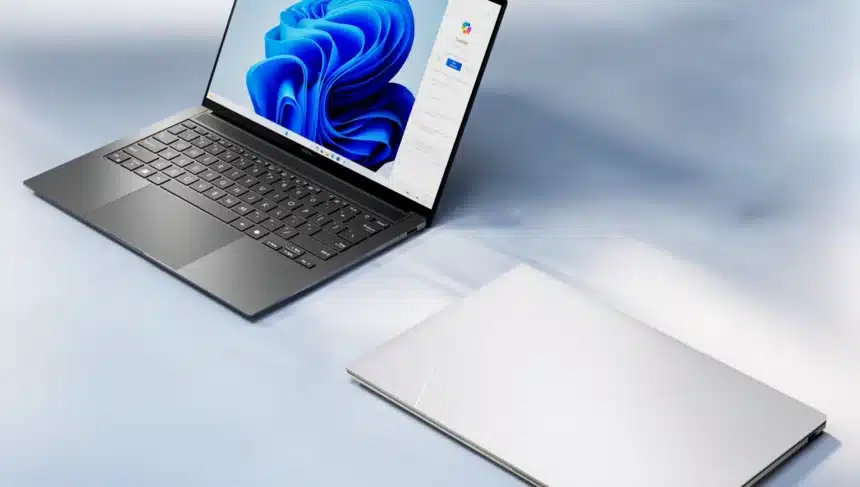
Intel is once again back in ASUS Zenbook S 14, particularly with integration of their new blazing fast Intel Core Ultra Series 2 chip that makes it powerful 14-inch laptop, promises to deliver high-end processing with impressive battery life and advanced AI capabilities which positions Zenbook S 14 as a strong competitor to traditional laptops, including the MacBook.

Contents
  • ASUS ZenBook S 14 Does More with Intel Addition
  • Stunning Visuals and Engaging Audio System
  • Thermal Control System and Noise Levels
  • ASUS Zenbook S 14 GPU Gaming Worth?
  • Final Verdict on Whether It Worths Buying or not?

ASUS ZenBook S 14 blends the art of sophisticated design with the power of cutting-edge technology that makes laptop, one of the thinnest and most portable 14-inch laptops available in market. Zenbook S14 is Designed with the new ASUS Ceraluminum material making this laptop stands out with its sleek aesthetic and durability.

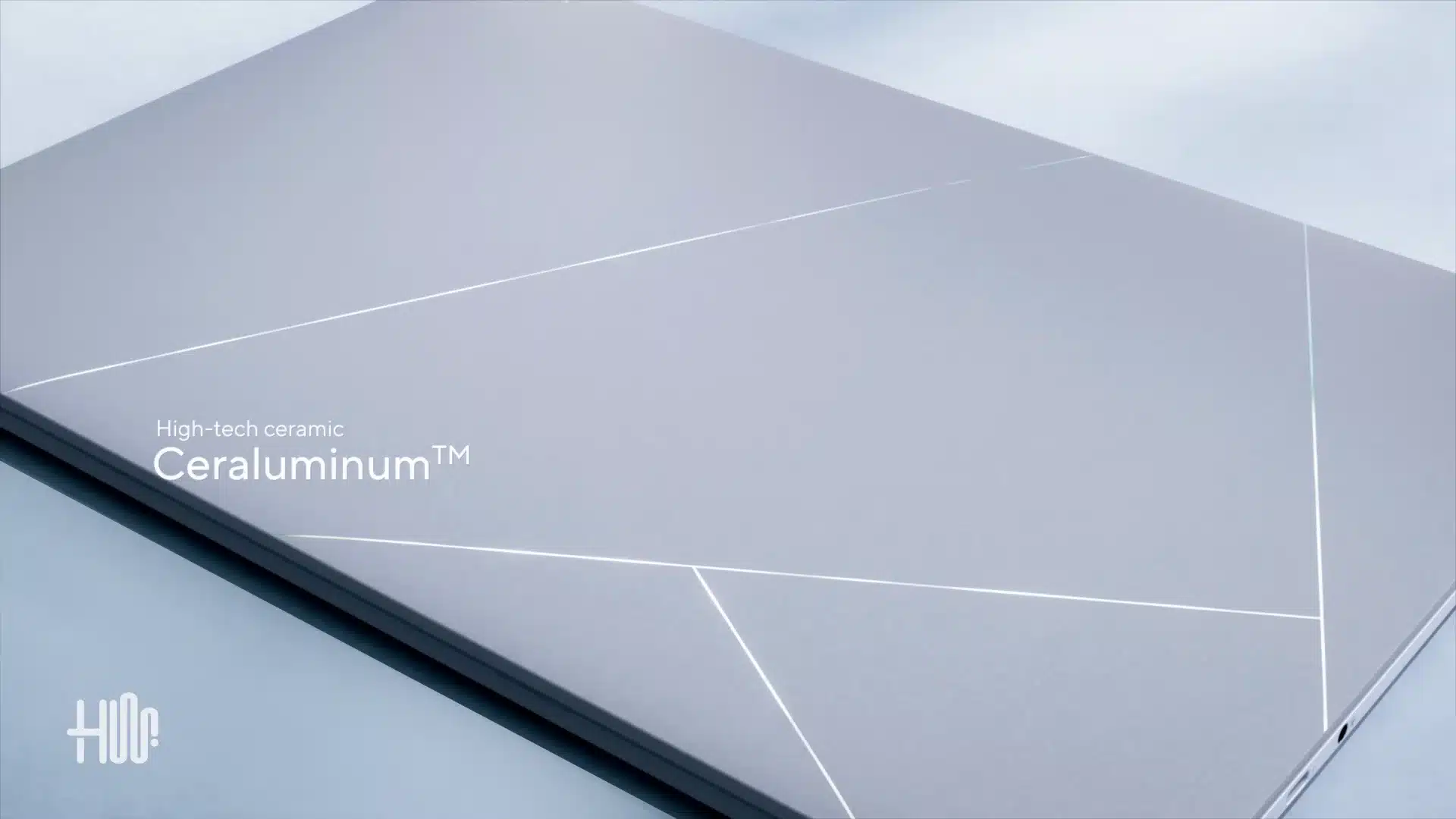
ASUS Ceraluminium

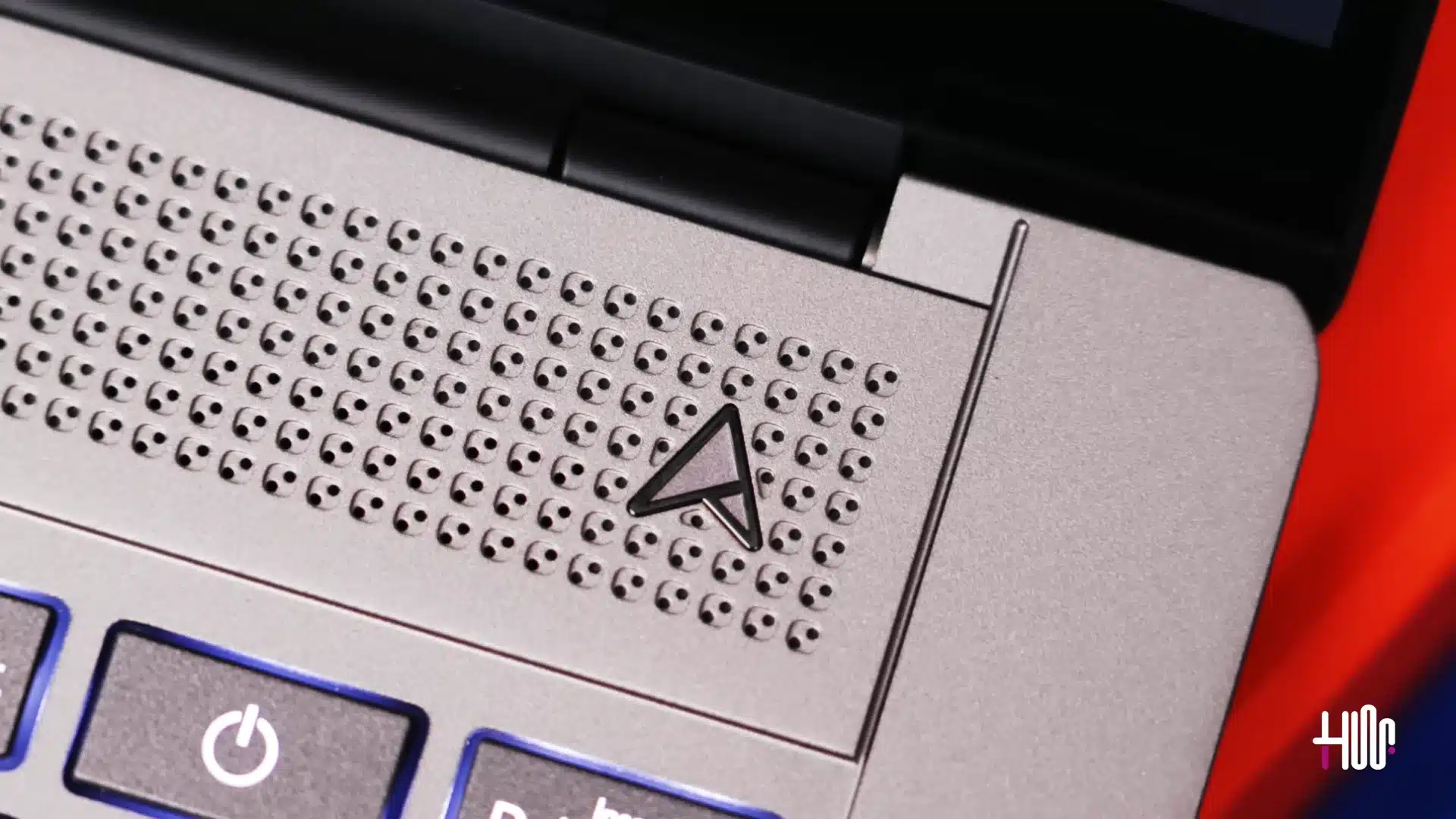
ASUS Ceraluminum is one of key highlight by ASUS which is ceramic hybrid available in Zumaia Gray and Scandinavian White which results in a sleek 0.4-inch thin body with exclusive geometric grille designs and an enlarged touchpad area.

- Advertisement -

ASUS ZenBook S 14 Does More with Intel Addition

ZenBook S 14’s major power comes from the Intel Core Ultra Series 2 processors (up to Core Ultra 7) that also offers next-gen AI capabilities through 47 NPU TOPS for faster AI processing. The system-on-chip (SoC) design is paired with up to 32GB of LPDDR5X RAM and 1TB PCIe® 4.0 SSD which ensures robust performance while maintaining excellent efficiency.
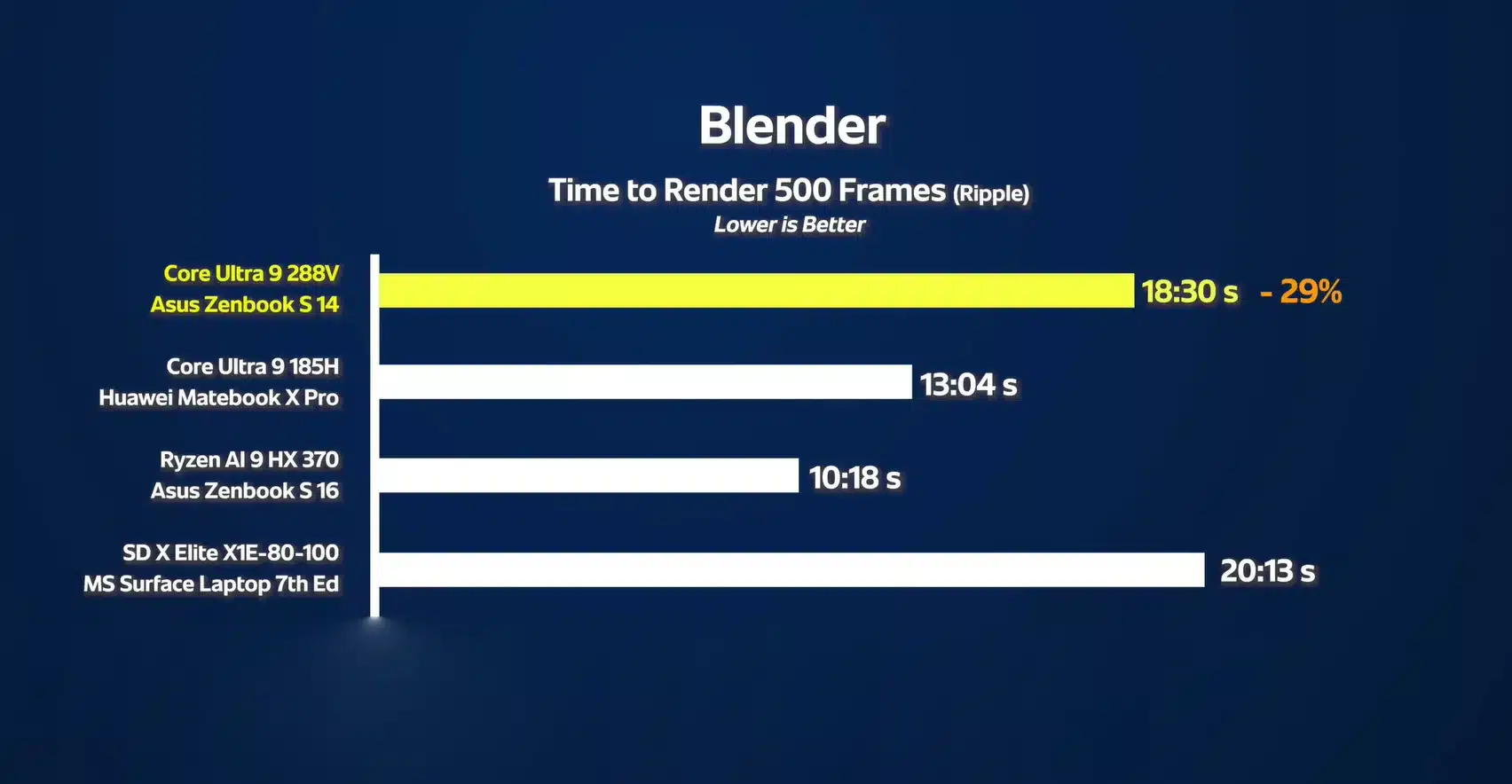
Bench Marks of Blender Rendering
Blender Rendering Performance
HardwareDetails
Processor– Intel Core Ultra 5 Processor 226V/256V (up to 4.5 GHz, 8 cores, 8 Threads)
– Intel Core Ultra 7 Processor 258V (up to 4.8 GHz, 8 cores, 8 Threads)
– Intel Core Ultra 9 Processor 288V (5.1 GHz, 8 cores, 8 Threads)
Neural ProcessorIntel® AI Boost NPU with 47 NPU TOPS
MemoryUp to 32GB LPDDR5X
StorageUp to 1TB PCIe® 4.0 SSD
Battery72Wh with all-day autonomy
Ports2x Thunderbolt 4, USB 3.2, HDMI 2.1 and 3.5mm Combo Audio Jack
Hardware Specifications of ASUS ZenBook S 14

We have tested out this Zenbook with Intel Core Ultra 7 28W TDP variant that gave us remarkable results, so we can assure that this is best for creative professionals, AI developers and multitaskers. Benchmarks reveal that the Core Ultra 7 outperforms previous-gen processors in productivity and AI-related tasks by up to 20%. With WiFi 7 and Thunderbolt 4, ZenBook ensures a seamless and speedy experience for content creators and professionals on the move.

You May Also Like: Samsung Galaxy Book 4 Edge Worth Buying? Technical Review
- Advertisement -
Lenovo Zenbook S 14 Ceraluminum - hashtechwave - build design
Asus

Stunning Visuals and Engaging Audio System

ASUS Zenbook S 14 comes with 16:10 ASUS Lumina OLED display having resolutions of 3K at smooth 120Hz. Display panel has a maximum brightness of 500 nits in HDR mode which means it is capable of presenting in both low or high light conditions.
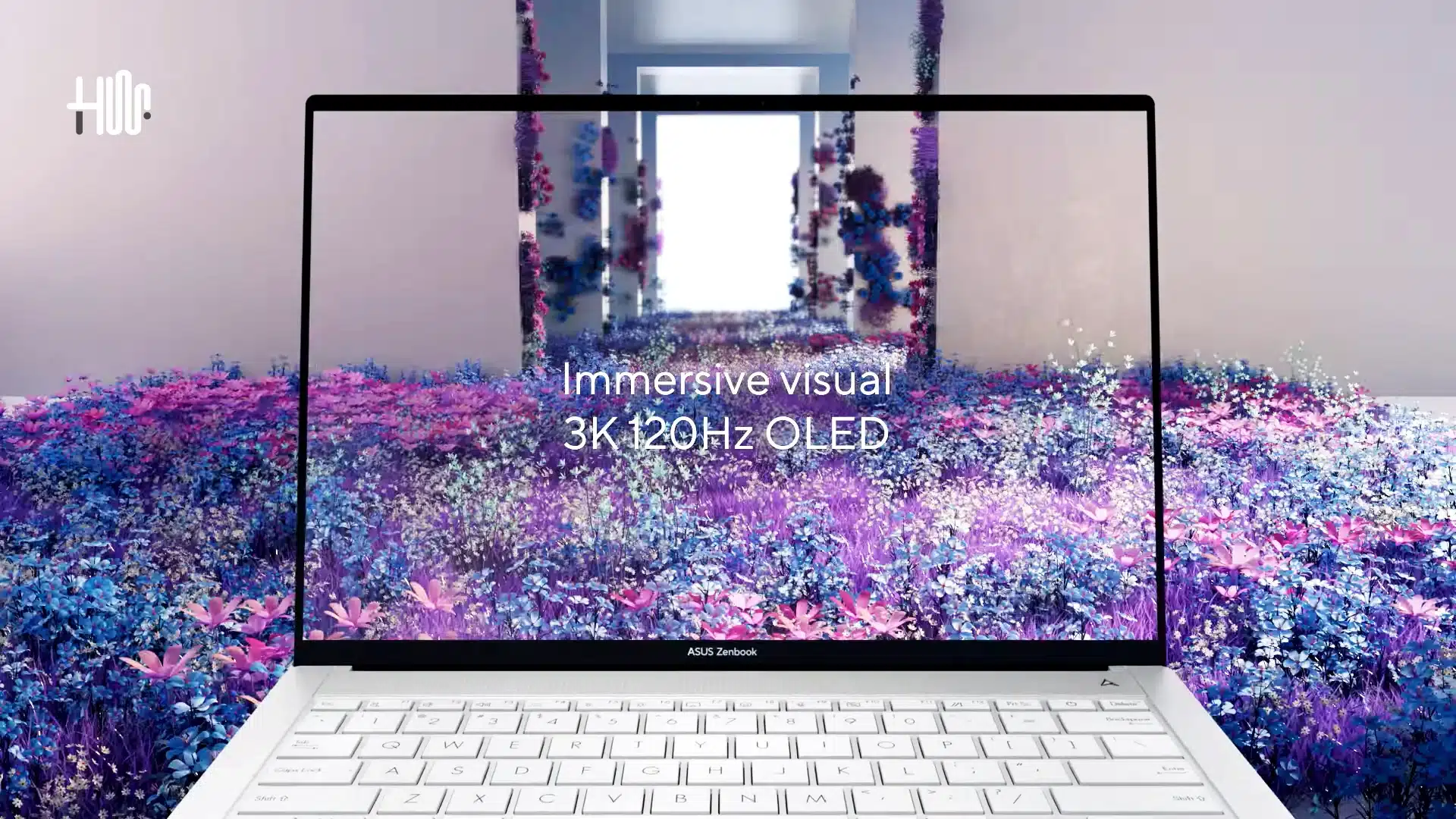
Zenbook 14 S Display Oled
ASUS

This also supports 100% of sRGB color spectrum and DCI-P3 which makes it good choice among photo or video editors. The four-speaker Harman Kardon audio system, equipped with Dolby Atmos, complements the stunning visuals, offering immersive and lifelike audiovisual experiences.

- Advertisement -

Thermal Control System and Noise Levels

Integrated GPU of ASUS Zenbook S 14 has some seen improvements. While doing 3D Mark benchmarks, the new integrated graphics output was approximately 17% faster than the previous generation. During workloads, every machine raises its temperature but with dual IceBlade fans and a vapor-chamber cooling system, the laptop maintains temperatures below 25dB during standard operation.
Thermal Control System in Zenbook 14 S
ASUS Thermal Controls

ASUS Zenbook S 14 GPU Gaming Worth?

ASUS Zenbook S 14 positions itself as a strong contender in the premium laptop market but when it comes to gaming then it is not so good which is unfortunate for gamers. Although Intel Arc Graphics is Intel’s dedicated GPU line aimed at gaming and creative workloads that gives you features like hardware ray tracing, AI-driven upscaling (XeSS) and DirectX 12 Ultimate support.

- Advertisement -
Game Benchmark hashtechwave
ASUS ZenBook S14 CyberPunk Gaming

ZenBook S14 limits its gaming capabilities as compared to laptops which have discrete GPUs. During the test, performance is particularly evident in gaming scenarios, where the laptop can run titles like Cyberpunk at an average of 52 FPS on medium settings.

ZenBook S14 have a powerful NPU that can perform 48 trillion operations per second that can enhance AI efficiency by 173% as compared to previous generations of Intel. It also have a dedicated button to access Windows Copilot (and Copilot+ in the future) which provides efficient AI support.

Final Verdict on Whether It Worths Buying or not?

ASUS ZenBook S 14 is launched with a starting price of $1,499 that can vary depending on RAM and storage options available on official store. Overall an impressive laptop in terms of design, performance and innovation. It is especially best for designers who want portability and AI enthusiasts looking for an AI-capable machine in an ultra-thin dimensions. However, for gamers and those needing intensive 3D rendering or high-end gaming it lacks due to not having dedicated GPU.

ASUS ZenBook S 14

4.2 out of 5
This product offers great value with impressive performance, but there are a few drawbacks to consider.
Pros Ultra-thin and portable, perfect for mobility Stunning 3K OLED display for accurate visuals 120 Hz, HDR500 Display Built-in NPU for AI workloads Excellent Connectivity of Thunderbolt 4 & WiFi 7 All-day battery life Copilot+ ready
Cons No discrete GPU for demanding high graphics work Ceramic finish may attract Smudges High Price With Higher RAM/SSD Too few ports
Buy on AmazonBuy on eBay

Editor’s Recommendation:

  • Beyond Gaming: How Nvidia’s CUDA Tech Boosts AI Computation
  • Corsair XENEON FLEX 45WQHD240 Gaming Monitor Detailed Review
  • Ultimate Guide: Setup Mail Server on CloudPanel Ubuntu 2024
TAGGED:ASUSLaptop Review

Sign Up For Daily Newsletter

Be keep up! Get the latest breaking news delivered straight to your inbox.
Join Newsletter Join on Whatsapp
Syed Safwan Abbas - CEO
BySyed Safwan Abbas
Tech Editor
Follow:
Syed Safwan Abbas is a senior full-stack developer and the founder of HashTechWave. With over a decade of hands-on coding experience and a deep interest in emerging technologies, he leads the platform's coverage of digital trends, smart tools, and developer news. Outside his work, he’s an active tech community contributor and a casual PUBG competitor.
Previous Article Samsung Galaxy Book 4 Edge - Hashtechwave Is Samsung Galaxy Book 4 Edge Worth Buying? Technical Review
Next Article Choose Right SSD for Performance Ultimate Guide To Choose Best SSD for PC: Types and Features

Follow US

Find US on Social Medias
FacebookLike
XFollow
YoutubeSubscribe
ThreadsFollow
BlueskyFollow
Popular News
Today NYT Connections Hints & Answers
NYT Connections Hints & Answers (#951) for Jan 17, 2026 Solution
Sarah Thompson
By Sarah Thompson
January 17, 2026
Today’s NYT Wordle Hints & Answer of Jan 17 (Solution #1673)
NYT Strands Hints, Answers and Spangram Today of Jan 17, 2026
NYT Spelling Bee Answers & Pangram For January 16, 2026
Universal Piece Codes (January 2026) – Get Free Gems, Yen & Boosts

You Might Also Like

AMD Ryzen AI 400 & 9850X3D Unveiled at CES 2026 Full Specs vs. Intel
Artificial IntelligenceComputing

AMD Ryzen AI 400 & 9850X3D Unveiled at CES 2026: Full Specs vs. Intel

By Syed Safwan Abbas
6 Min Read
Download and Upgrade to Windows 10 - Hashtechwave
How-ToComputing

Download & Install Latest Windows 10 Official ISO (2025): Full Step-by-Step Guide

By Syed Safwan Abbas
8 Min Read
Windows 10 Start Menu Crash Fix
How-ToComputing

Fix: Windows 11 & Windows 10 Start Menu Crash (Microsoft Photos App Tile Bug)

By Syed Safwan Abbas
7 Min Read
hashtechwave-light

Your trusted source for gaming insights, technology updates, digital trends, and industry news. We deliver helpful guides, reviews, and updates to keep you informed in today’s fast-moving digital world.

Categories

  • Artificial Intelligence
  • Computing
  • Gaming
  • Entertainment
  • Gadget
  • How-To

Quick Links

  • Cookies Policy
  • Disclaimer
  • Privacy Policy
  • Terms and Condition

© 2025 HashTechWave. All rights reserved.

Join Us!
Subscribe to our newsletter and never miss our latest news, podcasts etc..
[fluentform id="6"]
Zero spam, Unsubscribe at any time.
adbanner
hashtechwave mobile
Welcome Back!

Sign in to your account

Username or Email Address
Password

Lost your password?